- Home
- I am a …
- Resources
- Collections
- Post-lockdown teaching support
- Remote teaching support
- Starters for ten
- Screen experiments
- Assessment for learning
- Microscale chemistry
- Faces of chemistry
- Classic chemistry experiments
- Nuffield practical collection
- Anecdotes for chemistry teachers
- More …
- Literacy in science teaching
- Climate change and sustainability
- Alchemy
- On this day in chemistry
- Global experiments
- PhET interactive simulations
- Chemistry vignettes
- Context and problem based learning
- Journal of the month
- Chemistry and art
- Classic chemistry demonstrations
- In search of solutions
- In search of more solutions
- Creative problem-solving in chemistry
- Solar spark
- Chemistry for non-specialists
- Health and safety in higher education
- Analytical chemistry introductions
- Exhibition chemistry
- Introductory maths for higher education
- Commercial skills for chemists
- Kitchen chemistry
- Journals how to guides
- Chemistry in health
- Chemistry in sport
- Chemistry in your cupboard
- Chocolate chemistry
- Adnoddau addysgu cemeg Cymraeg
- The chemistry of fireworks
- Festive chemistry
- Collections
- Education in Chemistry
- Teach Chemistry
- Events
- Teacher PD
- Enrichment
- Our work
- More from navigation items







Resources
Browse our wealth of support for teaching primary, secondary and higher education students
New resources
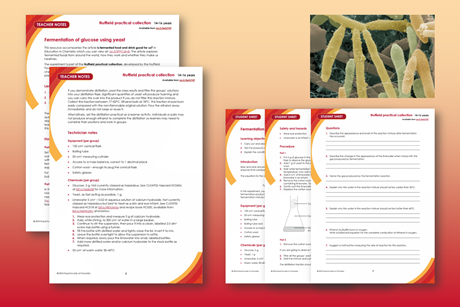
Fermentation of glucose using yeast | 14–16 years
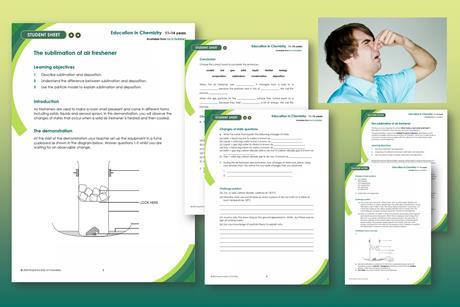
The sublimation of air freshener | 11–14 years
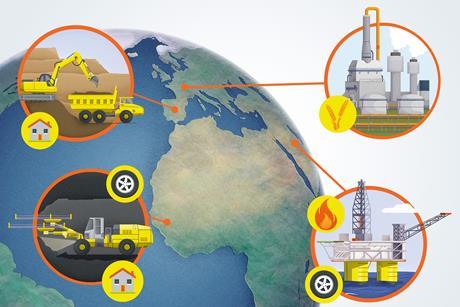
Teaching Earth’s resources
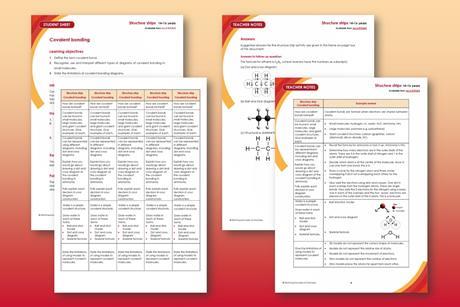
Covalent bonding | Structure strip | 14–16
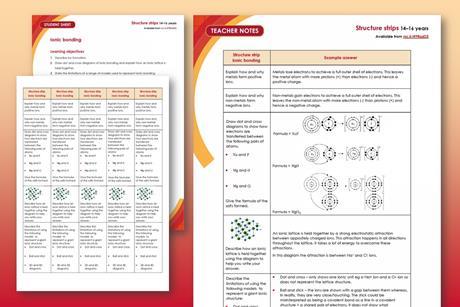
Ionic bonding | Structure strip | 14–16
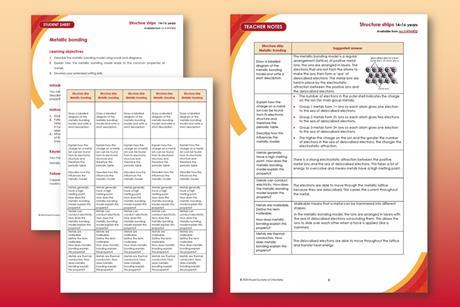
Metallic bonding | Structure strip | 14–16
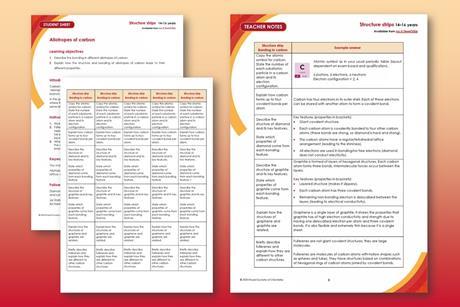
Allotropes of carbon | Structure strip | 14–16
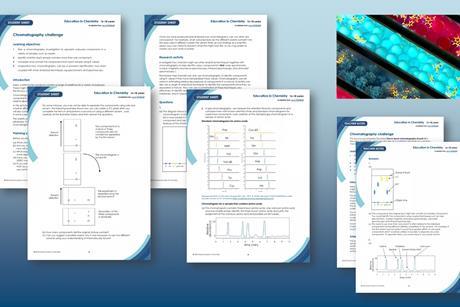
Chromatography challenge | 16–18 years
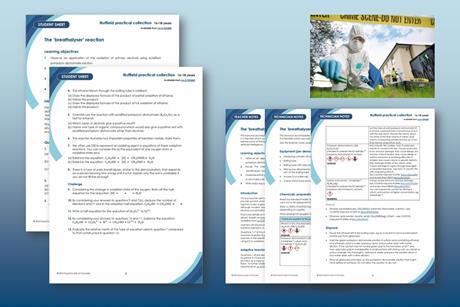
The ‘breathalyser’ reaction | 16–18 years
- Previous
- Next
New collections
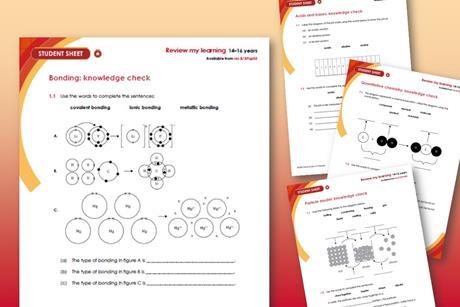
Review my learning worksheets | 14–16 years
Differentiated worksheets to assess learners’ understanding and misconceptions in key topics

Chemistry for All project resources
Practical resources used by some of the activity providers for outreach work as part of the Chemistry for All project

Primary
Free classroom resources, videos and experiments to support your teaching of primary school science

Secondary
Over 1800 resources to save you time, spark excitement and encourage understanding

Higher education
Support your students with the skills they need to succeed at degree level and beyond

Practical
Resources and inspiration for experiments and demonstrations

Analysis
Explore the principles and practice of spectroscopy and other analytical methods
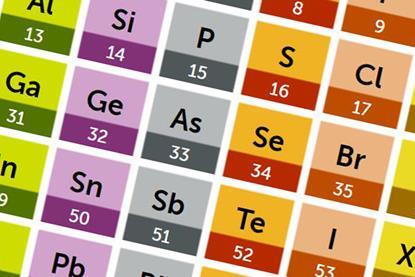
Periodic table
Explore the elements with your students using these innovative and interactive resources


Education Prizes 2024
It’s time to recognise the teams, collaborations and individuals making an impact in science education
More collections
- Previous
- Next